Student Resume Example – International Business
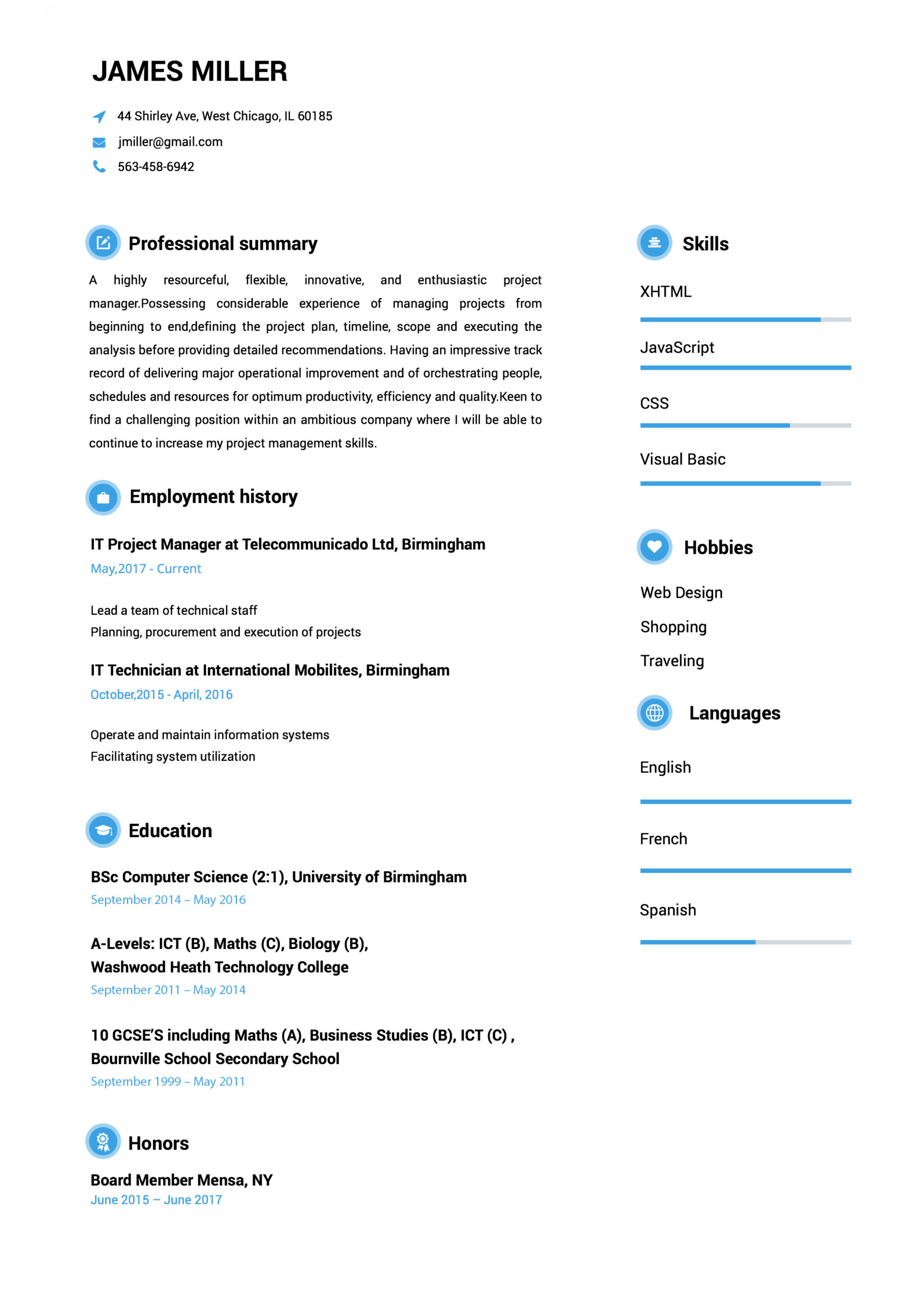
Entry level resume example for a business student. Notice that the profile is written in a summary format that outlines this business student’s skills as opposed to an objective statement that tends to only describe the type of job a person is targeting.
The summary is followed by five job positions that demonstrate skill sets in the summary. The education and activities section further reiterates the basic principles of the target, which include memberships in business, international and social clubs and fraternities/sororities.This is common in the entry level resume.
The writer also includes the impressive 4.00 GPA for the business administration major.
resumes
resumes
resume
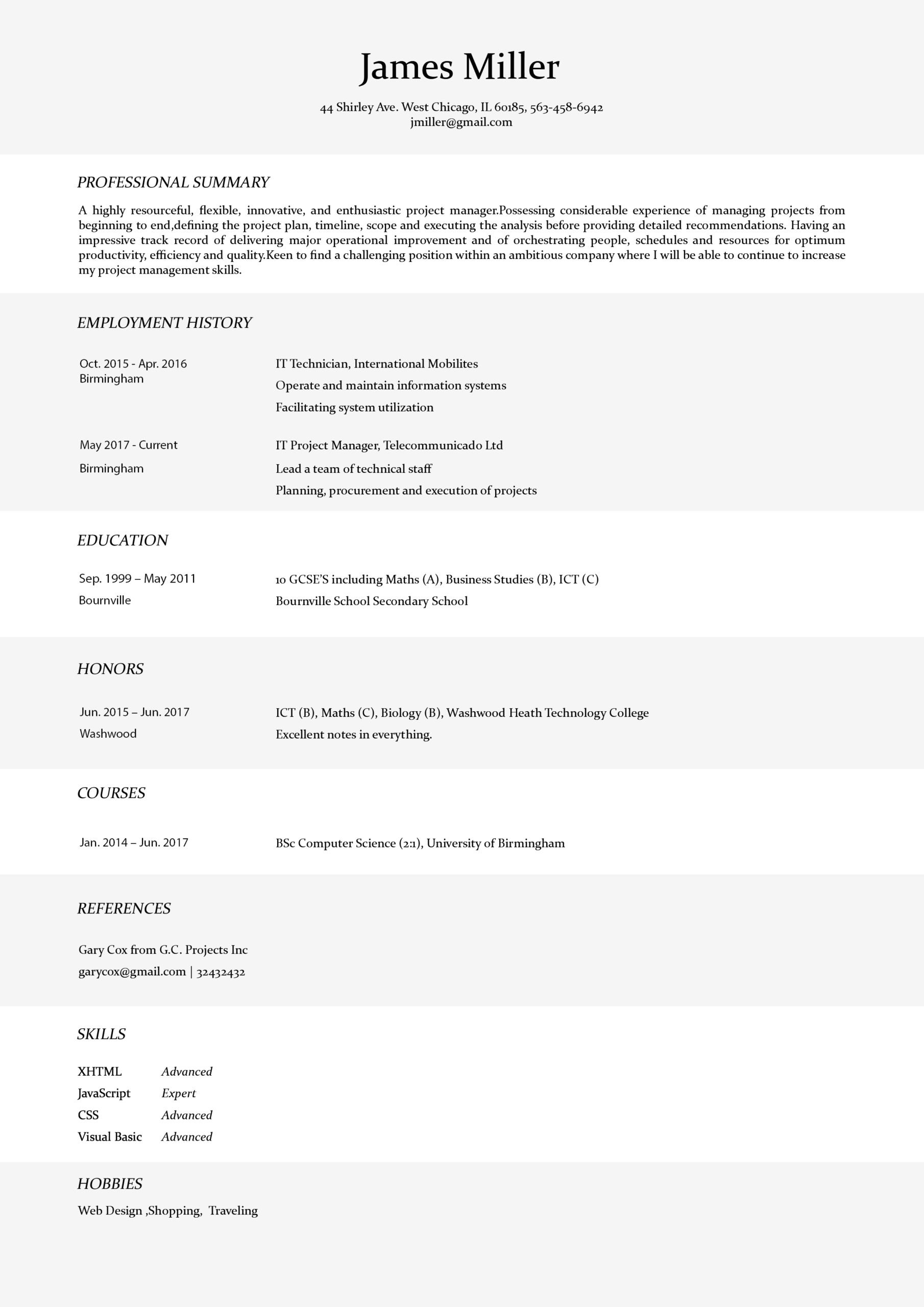
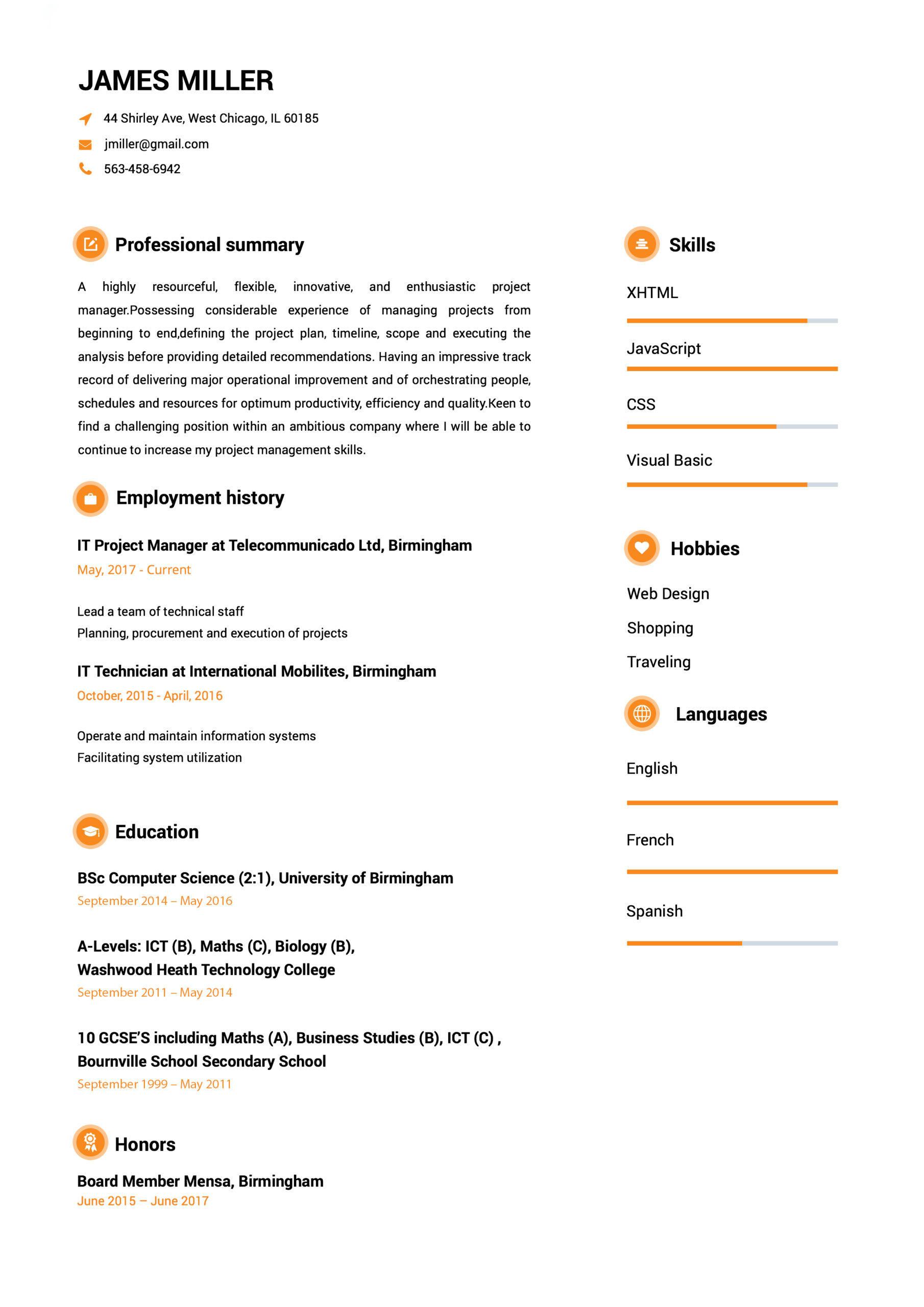
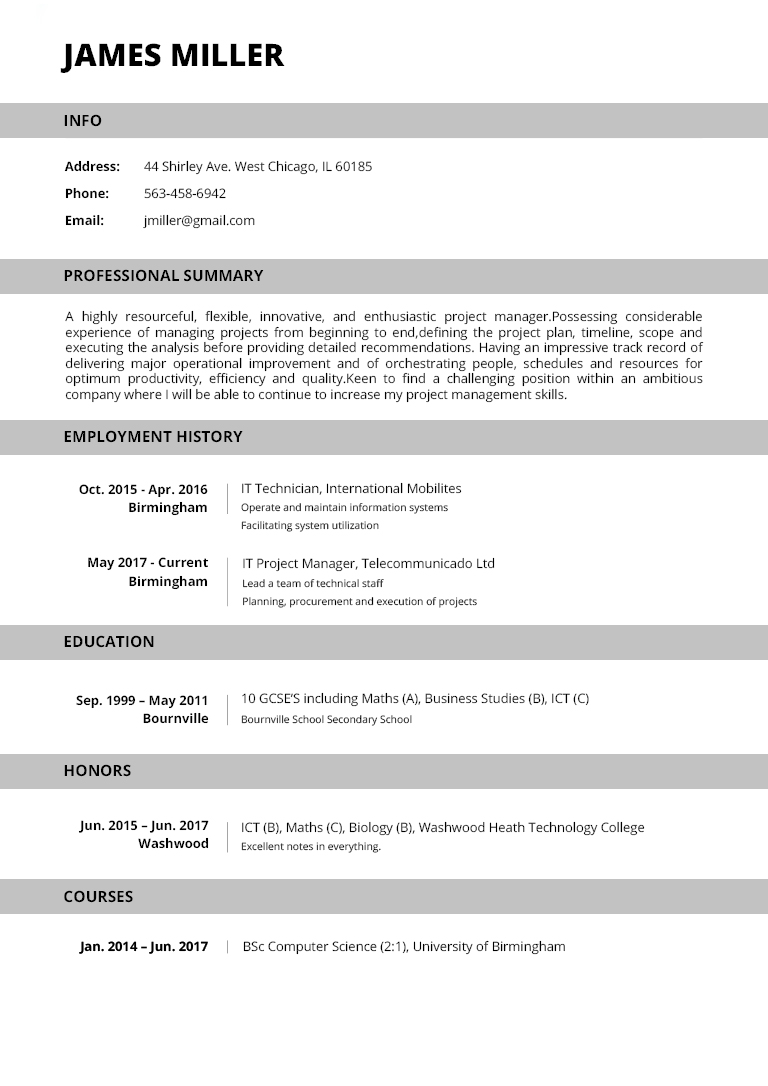
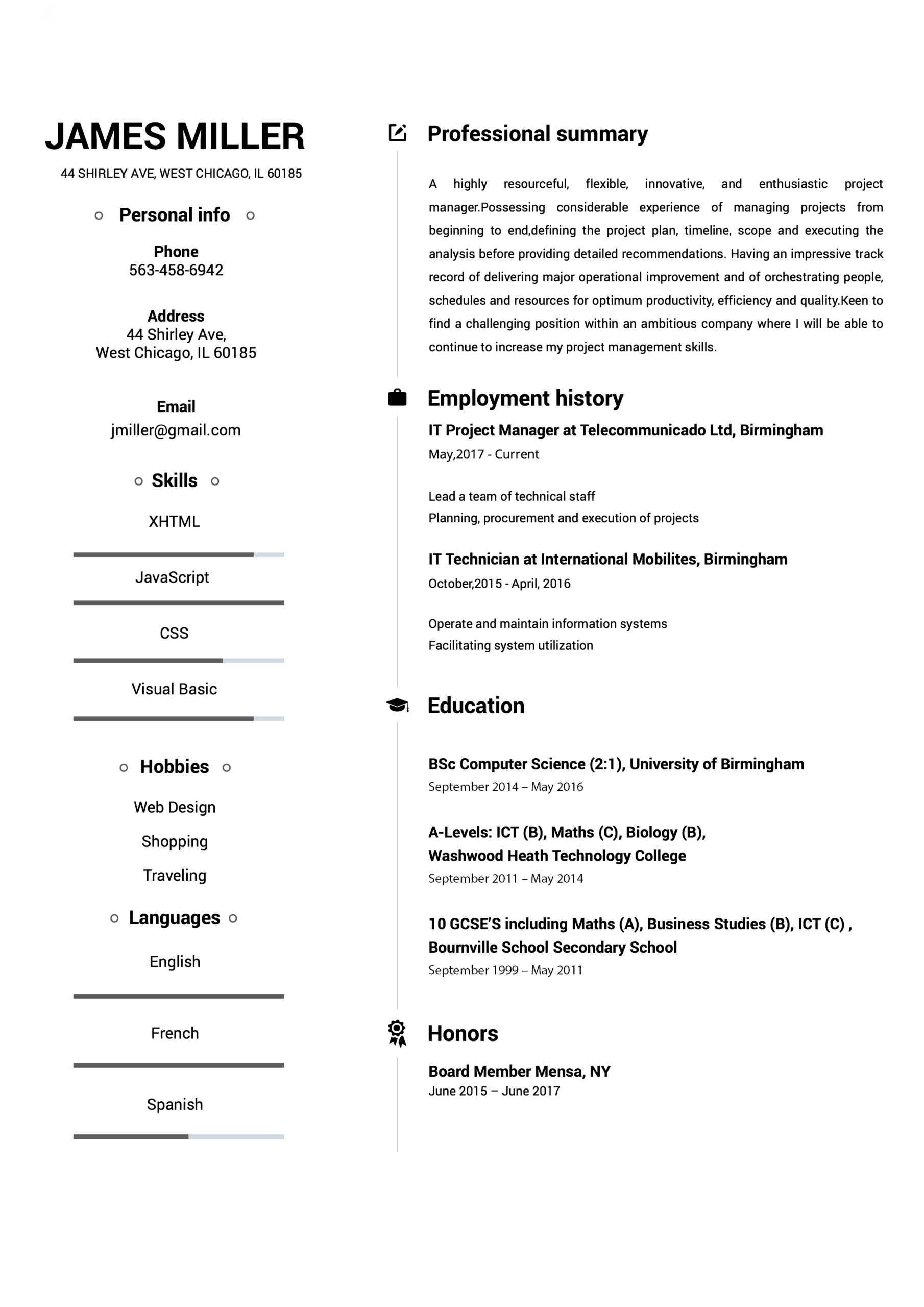
If you have ever tried to create your own resume on your word processing program, you are probably familiar with the many different formats. To choose the correct resume format sample depends on which type of position you are seeking.
If, for example, you are seeking a professional position, you should choose a resume format sample that depicts a professional quality. This means no fancy designs on the paper or creative fonts. When choosing a professional resume format sample, you are best to go with those that are labeled classic or professional. These are usually no frills types of formats but maintain an aura of seriousness and respectability. Those who are seeking employment in a firm that is conservative, such as a bank, are well advised to choose a resume format sample that depicts a classic, tasteful design.
Perhaps you are seeking employment in a creative field. In such a case, you can get a little bit more creative with your resume format sample. There are plenty of creative resume format samples in most world processing programs and if you cannot find the one that appeals to you, there are dozens of software programs that can give your even more choices. You want to be certain, however, that your creative resume is easy to read and not too fussy. Too much color and design can be a bit overwhelming for a prospective employer and even if you are applying for a position in a creative field, you should maintain some sort of professionalism. There is plenty of time to show them how creative you can be once you have secured the position.
Those seeking a position in a law field can choose from many different resume format samples that depict law symbols on the page. These are not too outlandish and add a bit of novelty to the resume. With the advent of the internet, the plain paper, typed resume has quickly become a thing of the past. The trick to finding the correct resume format samples is to seek one that will suit both your personality as well as be appropriate for the job which you are seeking.
Some software programs that offer resume format samples also give you everything you need to create your own resume. You will be prompted for the necessary items that are needed for every resume, whether it is creative or classic. All resumes should include name and contact information as well as career objective. Employment experience and education are also necessary for any resume.
If you are truly creative and are seeking a creative position, there are some programs that will allow you to create your own unique resume on your computer. You can add images or designs and special fonts. Again, you must be careful not to get too creative and make your resume become too much of burden for someone to read. While a creative director may appreciate a unique resume, a banker, on the other hand, will most likely be confused and will not be calling you in for an interview.
One nice thing about creating a resume online using resume format samples is that you can actually complete your resume within the program, adding all of the vital information that is needed, and then take a look at the different ways the resume looks with the different resume format samples. It is nice to see a variety of samples from which to choose, particularly when you are creating something as important as a resume.
Creating a resume is not as difficult as one thinks and using resume format samples is just one way to make sure that you create the perfect resume that will gain you the job of your dreams. Make certain that you do not get bogged down with the creative process and remember to include all of your job duties, tasks and accomplishments. Many people tend to underestimate their skills when creating a resume for themselves. This is not the time to be modest about your accomplishments. A resume is the first impression a prospective employer has of you. And different employers prefer different types of resumes. There may be some who are very old school and prefer a plain piece of paper on one page. Others may appreciate a bit of creativity. If you do not get a job because your resume was too flashy because you used a classic design instead a plain paper, perhaps that job is not the best match for you. If you are the type of person who prefers to add a bit of pizazz to your work, perhaps you are best working for an employer who will appreciate that quality, rather than one who will continue to hold you back.
Using a resume format sample to create your resume can be fun and give you an opportunity to truly express yourself on paper. Make sure that the resume format sample complies with the type of job which you are seeking, is not too overbearing and is easy to read and you will do well in this endeavor.
resume
resume
Teacher Resume Template : word format
Teacher Resume Template : word formatteacher resume template
Professional Resume Templates
Resume Templates
We receive a great many resumes and many arrive poorly presented and in a poor format.
We have expertise in recruitment as well as resume writing and know which resume formats employers prefer and which ones work the best.
Modern Professional Resume Templates

This stylish format is tried and tested and proven to land jobs.
Increasingly employers prefer resumes which are not only highly presentable and professional but which also read well.
This format is very clearly presented and is proven to attract interest from employers.
When we create resumes for our clients using this format we also enhance the resume so that each entry is not only optimized using the right keywords but is also neatly bulleted one per line as per the example first page (left). If you prefer a more traditional power resume format please see below.
Electrician Sample Resume
This electrician sample resume is meant to show you the range of quality resumes ResumeWriters.com can create for you. Our writers are fluent in many different styles and formats. They chose a unique format for each client. When you order a resume from us, you will be able to work with the writer to select a resume style that will fit your needs.
Personal Assistant Sample Resume
These are a few Personal Assistant Sample Resume images of what the resumes will look like when you download them. The only difference between the Personal Assistant Sample Resume images below and the resumes you will download is you will be able to edit any of the resumes you download in the package.
All of our resumes are professionally written by several different human resources specialists each with several years of experience hiring professionals. There is a huge difference between what is considered a wonderful resume and what is a plain resume. With this download package you will be able to use some of the best Personal Assistant Sample Resume ever written.
How to write professional Resume
Professional resume sample.
Everyone knows how to write a resume, or at least they think they do. Universities want you to start with their name. Career counselors like those pretty left column headers. Universities advise graduates to put the school’s name before the degree, but companies want to see the degree first. And your colleague in the next cube just sent you a great resume template from a cool software program. But they’re all wrong. Think about it from a company’s perspective, or a recruiter’s. You’re not in the room making a convincing argument as to why you’re the one. Your resume has to make the case on its own.
There are two major areas you can focus on to ready your resume for a company or recruiter’s eyes: format and content. Format is easy to fix. You want your resume to be simple and easy to read once it is scanned. Since most organizations use applicant tracking systems (online recruiting tools), your resume is scanned regardless of how, and to whom, you submit it. On the content side, you’re a product competing in a busy field of similar products. You have to write your resume so that it is easy for anyone who reads it to see whether you are a fit for the job.
Ready for action? Here are five simple steps and tests:
1) All Left Justified
Your format should be very simple, no templates, no headers in the left column, no fancy bullets. Left justify all your text. This way when the recruiter forwards or prints out your resume from the system, it is easy to read. Test: If your current resume can’t be easily read in rich text format (.rtf), the format needs to be simplified.
2) Profile and Title
Your resume should have a title at the top. Not your current title necessarily, but the type of professional you’d call yourself if someone asked. “I’m an experienced marketing manager.” That title should be followed by a profile, which should be customized for every job to which you apply. The profile should tell the recruiter or reader, who you are, what you bring to the table and what you are looking for in a job. Test: Have someone read your resume for 10 seconds. If they can’t tell you the specific type of job the résumé is intended to attract, how can a recruiter?
3) Professional and Personal Development
Whether you are a champion squash player or scrap booker, those hobbies certainly show tenacity and commitment. But recruiters and hiring managers first want to know your professional strengths in addition to work experience and formal education. So before you get to your personal accomplishments, focus on the additional things that have helped you develop professionally and make those things easy to find. Create a professional development section with content that makes sense for your profession. If there is room, add one or two more lines where you can include anything that is personal and both differentiates you and demonstrates the strengths you’d bring to the job. Running a 5k? Not superlative. Training for your third full triathlon? That’s impressive. Test: If your supplemental skills are all over your résumé — languages, technology skills, postgraduate certifications — organize them in one place and limit the personal details to one or two exceptional successes.
4) Positions Broken Out
If you’ve been promoted, show it. Progression is important — it shows commitment to a job, a company and to success. Don’t hide behind those strange titles. Try to simplify your titles in a professional and honest way so the reader gets it. Junior L-Accountant II should just be Accountant. Test: If your title changed and your responsibilities increased, make sure it is obvious from your résumé.
5) Overall Differentiation
A position opens up for a marketing manager. The recruiter gets 100 resumes for the position. Of the 20 the recruiter is even considering, they all generally have the same skills. If you list only your basic responsibilities, you will just be one of the 20. Stand out by differentiating yourself. Don’t just include what you did, but how you did it, who you did it for. This doesn’t mean you should dump a list of key words in your resume either. That might get you a glance from a company, but resumes with purposely placed key words stick out like a sore thumb. Instead, focus on applying for jobs that you are fit for and then carefully craft your content to be persuasive. Think like the best product brands you know — how do they stand out? Test: If your resume reads like a job description, then you need to make the content stronger to show what you have accomplished.
Commercial Driver Resume Sample
This transportation resume sample was created for a client with 11 years of experience as a transit bus driver. He was looking to secure a supervisory position, we pointed out his strong safety record, which is imperative to this position. His supervisor’s quote adds a nice touch and entices the reader to review the resume. Within three weeks, he accepted an excellent job offer.
Business Resume Sample
Here you can view a professional business resume template that was written by a professional resume writing service. You may use the format for your business resume. The professional business resume is 2 pages and written in microsoft word. It featured a clean business layout that demonstrates professional experience in detail. The first page also displays a summary of skills and what position you are applying for. The name of the applicant and contact information is clearly displayed at the top of the page and the format is carried through to page 2 of the business resume sample.
samplePage 2 of the business resume sample continues with the professional experience. In most cases employers are most concerned with past jobs and work assignments, so don’t be afraid to run into 2 pages on this and sometimes even 3. Quickly after the professional experience the computer skills are displayed. Most companies do not want to pay to teach you basic computer skills, so the more you can say here, the better off your business resume will stand out from the rest. Your education, college, and schooling is displayed next in it’s own area. You can notice we say Major G.P.A. since some college students do much better in the core classes rather than the undergrad basic classes. Employers know this, so don’t be afraid to show off your 3.0 or better. You can add phrases such here to show that you are always educating and learning through professional business experience. We generally do not list references unless asked and for this a separate references page is created separate from the resume.business resume sample
Attorney Resume Sample
Resume sample for Attorney with job experience as Patent Attorney with International Company.
Qualifications include Korean Intellectual Property Law, Fluent in Korean Language, Litigation, Application Procedure, Bio-engineering Patents, Property Rights, Registration Procedure, Client Consulting and Planning.
Bachelor of Science in Biology, Certified Patent Attorney, Patent Attorneys Association.
Pilot Sample Resume & an example resume
Having a strong resume is the key to getting the job you want. Remember that the person who receives your resume will only look at it for an average of 15 seconds. It is therefore very important that you are able to emphasize the skills that make you stand out from your peers.
A resume is a summary of your experience and qualifications. Your resume cannot be strong without the proper qualifications. At the same time your qualifications cannot be strong without a proper resume. A resume should only be one page long, so it is important that you include only the most appropriate information.
Print your resume on resume paper. You find resume paper in most office supply stores. Your resume should not be folded or attached to the cover letter, so make sure you also purchase large envelops. If you struggle to make everything fit on one page you can adjust the margins and font size. Do not use a font smaller than 10 points. If you change the margins, make sure that top, bottom, and both sides look balanced. If you still cannot fit everything – see if there is anything you can exclude from your resume. Remember that a resume is a summary, not your life story.
To the right, you see a sample resume that is split into seven sections; header, objective, qualifications, pilot credentials, experience, education, and achievements. We will now take a closer look at these important sections that make a strong pilot resume.
1. The Header
This is where you include your name and contact details. The header in our sample resume is only one way to do it. You can set up the header however you like, as long as it looks neat and contain the details listed below.
Name
Include your name on the top of your resume in bold letters. If you have a middle name, use your middle initial instead. Example; “James Elroy Bloggs” becomes “James E. Bloggs” on a resume. You do not have to use a large font to make your name stand out.
Address
This should be the address you want the airline to mail any correspondence. Make sure you are able to frequently check the mail at this address. Do not use your mailing address at work and refrain from using a post box address if at all possible.
E-mail
Many companies today will only accept resumes sent electronically, thus receiving a reply via e-mail is very likely. Use your personal address, not your work e-mail, and make sure it is not too casual. jbloggs@mail.com is a very neutral and personal address while thedude@mail.com is too informal and unprofessional. superstud@mail.com is just embarrassing and will not look good on a resume.
Phone
Include the phone number you are most likely to be reached on. As a minimum this phone should have an answering service, like a voicemail or an answering machine, which you check frequently. Make sure your outgoing message convey a professional image. Most likely this is the way an airline will contact you after reading your resume.
2. Objective
Common objectives are “First Officer”, “Flight Instructor”, or “Airline Pilot”. If you are applying to an already advertised position, put the name the airline named the position in the objective field. Do not get too specific if you are submitting a general application. Most airlines will keep your resume on file and call you for an interview when a position opens up. This can sometimes take months.
3. Qualifications
This is the most important section on your resume as it contains all of the qualifications that make you eligible for the job. List your highest held certificate, additional certificates that are of relevance to the job, core flying hours, and any type ratings. If you have a college degree, this too should be listed here. Do not list high school, unfinished degrees or diplomas/courses that are not of relevance to the job. Make sure that the requirements listed by the airline are listed in your qualifications section. This is normally how far a pilot recruiter will initially read, so it is important that you at least have the minimum requirements for the job listed in this section.
4. Pilot Credentials
In this section, you will break down all your flying hours and list all other certificates that you have not already listed under qualifications. Highlight your total flying hours and put them in bold on top of the other flying hours. It is not necessary to include solo hours, instruction received, number of landings, or simulated instrument. Use common sense and include what you think is necessary.
When applying for an airline, multi engine hours, turbo-prop/jet hours, second in command time, and hours flow on a specific type should be included. Example of a specific type is “1,200 hours B737-400.” Do this when you know the company you are applying for flies a type you have previous experience in. Do not put turbo-prop/jet hours or second in command time under pilot credentials if your experience here is 0. Again, common sense should dictate what break down of flight hours is worth including.
5. Experience
List all previous work experience as a pilot. The key is to keep it short and easy to read. The last thing you want to do is flood the recruiter with an abundance of detailed information. Include only the highest position attained with a company, what aircraft it was in, and the duration of employment in years. Make the job description short and include where the company is located. Do not include non-flying work experience. A recruiter is not interested in your college job or what you did before you started flying.
6. Education
List the highest education you have obtained. If you have a college degree, list the degree and the university where you studied. If you have some college but no degree, you may list the college and the course of study. Also include your Grade Point Average (GPA) if it is higher than 3.0. Do not list your high school or courses of no relevance.
7. Achievements
This section is optional and can be omitted if you do not have enough room on your resume. Further, you should not include achievements on your resume if you do not have any. Examples of achievements are honors awards, prices, or any other achievement you believe will make you stand out from others. In our sample resume James Bloggs has won some aerobatic championships.
In Summary
Your resume is a sales tool intended to get you an interview for the jobs you have applied for. It does not have to look identical to the sample resume we have provided. Think about the job you are applying for and then set up the resume accordingly. It is ok to have a standardized pilot resume, but making a few adjustments before you send it to an airline may help you gain the recruiters attention. Remember that all airlines do not have the same hiring requirements; therefore your resume will stand a better chance if you tailor it to the airline you are applying for.
And before you send it – make sure to proof read, check any spelling errors, and have someone else proof read the resume for you. Automated spell checking, like in MS Word, does not guarantee it is free from miss-spellings and grammatical errors.
Never send a resume alone. Make sure it is accompanied by a cover letter. If possible, avoid handwriting on the envelope. All modern printers can make professional looking labels or print directly on the envelope, so take the time to figure out how you do it. Follow these guidelines and your resume should be off to a strong start.
Sample Resume Banker
Resume sample for job seeker with experience as International Banker and General Manager
Qualifications include project implementation, corporate strategy, bonds, loans, international trade, regulatory issues, investment management, research, financial analysis, risk management, business development, project management, negotiation, financial management and due diligence.
Bachelor of Arts Degree in Economics. Fluent in German, English and Japanese languages.
Functional Resume Sample
Here is a sample of a Functional Resume. This format is unique because it focuses on accomplishments and specific skill sets rather than on job history as in the Chronological Resume. This type of resume is helpful for someone who wants or needs to emphasize their unique skills or accomplishments rather than their sequence of jobs. This is the best format for someone changing jobs or careers for the same reason.
Contents
Contact Information
This is the information obviously necessary for an employer to know how to contact you. Believe it or not, I’ve seen many resumes over the years where this information was left out and, of course, I had no way of getting back to them to tell them!
Objective (Optional)
I recommend that you don’t use an objective unless you want to target a specific job. If you want to include an objective, you should only mention the specific job title and nothing else.font>
Summary or Skill Summary
The summary is a very important part of a resume because a well-written summary can quickly give a potential employer an idea of what you have to offer. It’s important to spend some time crafting a summary that will catch the reader’s attention.
Skills and/or Accomplishments
A Functional Resume takes the information you would normally have under each job title in a Chronological Resume and lists it here for better visibility and greater emphasis.
Work History or Professional Experience
This is where you list your jobs in reverse chronological order. Include the title of you rposition, the name of your employer, the city and state of your employer, and the length of your time there.
Education
Your college or university education or university level certificates.
Professional Affiliations (optional)
If you belong to any professional affiliations, mention them here.
Training and/or Certifications (optional)
Mention any relevant certifications or training that doesn’t fit under the Education element.
Military Experience (optional)
If you want to mention your military experience because you believe it’s relevant, mention it here.
DO NOT add the comment “References Available Upon Request” because that is a given but also because you may not need them. Also, you should only provide references when and if the process with your potential employer has moved past the initial contact and you know you are being seriously considered for the job.
Consultant Sample Resume
This consultant sample resume is meant to show you the range of quality resumes ResumeWriters.com can create for you. Our writers are fluent in many different styles and formats. They chose a unique format for each client. When you order a resume from us, you will be able to work with the writer to select a resume style that will fit your needs.
Student Resume Example – International Business
Entry level resume example for a business student. Notice that the profile is written in a summary format that outlines this business student’s skills as opposed to an objective statement that tends to only describe the type of job a person is targeting.
The summary is followed by five job positions that demonstrate skill sets in the summary.
The education and activities section further reiterates the basic principles of the target, which include memberships in business, international and social clubs and fraternities/sororities. This is common in the entry level resume. The writer also includes the impressive 4.00 GPA for the business administration major.
Sample Resume 12
Everyone knows that it only takes a moment to review a resume. A moment where it is decided if you will get an interview or not. Medical and pharmaceutical sales managers prefer to see performance based resumes rather than skills and responsibility focused resumes.
We have provided you with an industry-preferred format for your resume. Make yours look just like this one and send it to us.
Medical Resume Example
This medical resume example helps applying for a position in the health care industry? Above is a resume example to use when crafting yours. The resume begins with an outline of the applicant’s skills, education and goals. Next is educations & honors, highlighting medical schools attended and where the applicant’s nursing degree was obtained. Certifications are next; CPR, American Heart Association Health Care Provider, etc. Last is clinical experience; Head Nurse, Camp Nurse, Staff Nurse and Senior Nurse. Under each title is a brief description of responsibilities
Example resume for Nurse
Example of resume for Nurse with job experience as Staff Nurse and Nurse Manager looking for position in Pharmaceutical Sales.
Qualification Highlights include: medical equipment, patient relationships, teaching, coaching, project management, nurse staffing, patient care, pre-operation, healthcare compliance and healthcare services
Training and Education include: Bachelor of Science in Nursing
Nurse example resume
Give your resume a face lift
After avoiding the 7 deadly sins of resume design, you may be asking, “If I can’t use crazy colors, clip art, and other types of decoration, how do I make my resume stand out from the crowd?” Like many things, the answer lies in the details.
Even if you can’t hire a fancy designer and are stuck with Microsoft Word, a few tweaks can turn your blase resume into an elegant and functional showpiece.
The typical resume

Like most resumes, it was created in Microsoft Word. It doesn’t look horrible, but it could use improvement. You can improve almost all resumes with four steps:
- Pick a better typeface
- Remove extra indentations
- Make it easy to skim
- Apply typographic detailing
1. Pick a better typeface
If you’re using Times New Roman, Word’s default typeface, change it now. Times doesn’t read well on-screen and lacks typographic subtleties such as non-lining numbers. Because it’s available on virtually all computers and designed to be readable on on-screen, try Georgia instead.
At the same point size, Georgia appears larger than Times New Roman, so you’ll want to set the font size a point or two smaller. Just don’t go below 9 points.
To improve readability, also increase the line spacing (also called leading) to at least 120% of the font size.
To do this in Word:
- In the menubar, go to Format and select Paragraph.
- In the pulldown under Line Spacing, choose Exactly and set the line spacing to 14 points.
Our example résumé currently uses Times New Roman set at a size/line spacing of 11pt/13pt. Let’s change it to Georgia with a size/line spacing of 10pt/14pt.
Here’s a detail of the difference:
Notice how the Georgia’s numbers blend in better than Times New Roman.
Here’s the full page:
If you can’t stand Georgia and aren’t worried about on-screen legibility, feel free to choose another appropriate typeface.
2. Remove extra indentations
Next, reduce the number of indentations. Better yet, take them all out. While useful in outlines, too many indentations in a résumé will cause your eyes to jump all over the page, destroying page harmony. The goal is to have all text align to each other.
After reducing indentations, also hang your bullets.
In Word:
- Replace any spaces after a bullet with a tab character.
- Select the bulleted list.
- If you don’t see the horizontal ruler, go to the View menu and select Ruler.
- On the ruler, drag the First Line Indent marker to left by 1/8th of an inch.
Here’s a detail showing the résumé before and after removing indentation:
To align all the cities and dates on the right, use tabs.
Already, you can see a huge improvement.
Also notice that the top margin is now reduced to 0.5 inches. This helps compensate for the additional line spacing in step 1.
3. Make it easy to skim
To make the résumé skimmable, you have to create a distinct typographic hierarchy. By typographic hierarchy, we mean Ellen Lupton’s definition from Thinking With Type:
A typographic hierarchy expresses an organizational system for content, emphasizing some data and diminishing others. A hierarchy helps readers scan a text, knowing where to enter and exit and how to pick and choose among its offerings.
Our example résumé already uses bolds and italics to highlight important information such as names and job titles. If you aren’t using them, set them now.
The headings for the major sections, however, don’t stick out enough. Even with “Education”, “Legal Experience”, and “Skills and Certifications” underlined and set in bold, they look too close to the job titles.
To make these section headings more distinct, use horizontal rules above and below each section heading.
In Word, select the section heading and go to Format in the menubar. From here, you’ll make changes in Paragraph, Font, and Borders and Shading.
Paragraph
- In the pulldown under Line Spacing, choose Exactly if it’s not already chosen, and set the line spacing to 16pt.
- Under Spacing, set the Before field to 6pt and the After field to 8pt.
Font
- Select the Character Spacing tab.
- For Position, choose Raised from the pulldown and type “1pt” in the field.
Borders and Shading
- Select the Borders tab
- Under Setting, select Custom
- For Style, select a solid line. For Color, choose black. For Width, choose “3/4”.
- In the preview area, click the Top Border icon to the left of preview image.
- To add a bottom border, repeat step 3 using grey for Color, and “1/4” for Weight.
- In the preview area, click the Bottom Border icon to the left of preview image.
Here’s a detail of the difference:
And now the full page:
To give more emphasis to job descriptions and responsibilities, deemphasize the cities and dates by setting them in grey.
4. Apply typographic detailing
Our résumé makeover is almost done, but it needs some finishing touches:
Use smart quotes
Never ever use inch and foot marks (straight quotes) as quotation marks and apostrophes. They should always be curly. Microsoft Word has automatic curly quotes turned on by default. If not:
- In the menubar, go to Tools and choose AutoCorrect.
- Click the AutoFormat As You Type tab.
- Under Replace as you type, click the checkbox next to “Straight quotes” with “smart quotes”.
Space out text set in ALL CAPS
In general, avoid setting type in ALL CAPS. Because the letters start to look the same, it’s harder to read. In small doses, text in ALL CAPS is acceptable if you space out the letters.
The extra spacing between letters help makes each letter more distinct and readable:
In Word:
- Select the text set in ALL CAPS.
- In the menubar, go to Format and choose Font.
- Select the Character Spacing* tab.
- In the Spacing pulldown, choose “Expanded” and type in “2pt” in the field.
Separate durations of time with en dashes
Durations of time such as “9–5”, “Monday–Friday”, and “October 5–December 31” should always be separated by en dashes, not hyphens.
On the Mac, press Option-Dash to create an en dash. On a PC, hold down the Alt key and press 0150.
Adjust spacing in phone numbers
The space after the closing parenthesis in a phone number is often too wide. To reduce this, select the space and change its font size in half. So if the rest of the text is 10pt, change it to 5pt.